Documentation Overview
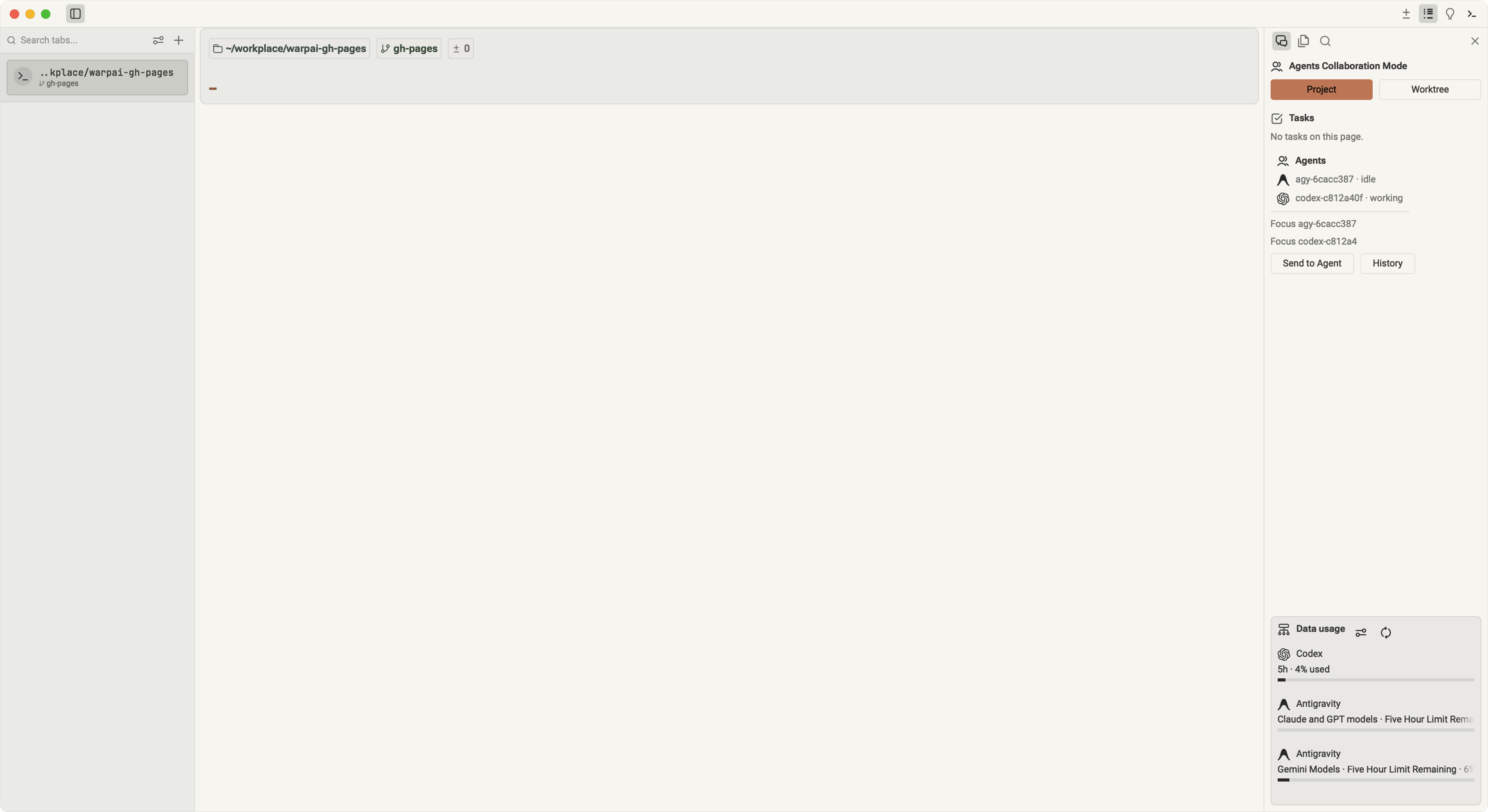
Welcome to the official documentation for Warpai — the local-first, privacy-focused modern terminal built around autonomous multi-agent teams.
Warpai elevates independent CLI Agent sessions into first-class units of work. For software engineering, Warpai provides a disciplined Git Worktree Coding Mode to develop features concurrently in isolated branches with automated peer reviews. For cross-domain and non-coding workflows, Warpai delivers an omnidirectional Project Mode, breaking rigid hierarchies so all agents freely exchange messages and tasks across scientific research, visual design, quant finance, and patent compliance.
Quick Navigation
| Category | Document | Summary |
|---|---|---|
| Get Started | Installation Guide | Direct downloads and installation instructions for macOS, Windows, and Linux desktop, plus Linux Companion for remote hosts. |
| Quick Start (5 Min) | Fast-track setup: launch your first agent, understand the interface, and monitor data quotas. | |
| Architecture | Core Concepts & Safety | Deep dive into guarded PTY delivery, VT100 in-memory screen observation, Worktree isolation, and Project mode. |
| Features Matrix & Agent Systems Comparison | Comprehensive benchmark against traditional terminals, agent-enabled editors, IDEs, ADEs, multi-agent frameworks, desktop AI apps, and upstream Warp. | |
| How to Use | User Guide Overview | High-level workflows for daily engineering tasks, navigation, and multi-agent coordination. |
| Project Mode Guide | Heavily supporting non-coding workflows: omnidirectional messaging and tasks across research, design, finance, and IP. | |
| Worktree Mode Guide | Parallel Git software engineering: physical worktree checkouts, Coordinator oversight, and automated peer review. | |
| Multi-Agent Workflows | Dual-architecture foundations: comparing Worktree coding mode and Project omnidirectional collaboration. | |
| Terminal & Command Blocks | Master command blocks, smart autocompletion, vertical tabs, project explorer, Vim editor, and Git diff review. | |
| Remote Access | OpenSSH Server Installation & Setup | Install OpenSSH Server on Linux, macOS, and Windows, switch the Windows SSH shell to PowerShell, install Companion, and configure remote MCP. |
| Windows WSL Installation & Setup | Enable WSL 2, install a distribution, open it in Warpai, install the WSL Companion, and configure per-Agent MCP inside the guest. | |
| Ecosystem | 20+ CLI Agents Guide | End-to-end installation and authentication guide for Claude, Codex, Gemini, Antigravity, Cursor, and 15+ more. |
| Native MCP Tools API | Reference for the 38+ embedded MCP coordination tools (warpai-local-com). |
|
| Configuration | Configuration & Themes | Settings reference, appearance themes (Claude Warm Light), custom keybindings, and keep-awake guard. |
| Troubleshooting & FAQ | Diagnostics, common terminal issues, SSH Remote permissions, and WSL 2 troubleshooting. |
Guiding Principles
- Local-First & Absolute Privacy: Zero telemetry, zero cloud accounts, and no closed-source models. Your code, shell commands, and agent prompts never leave your trusted environment without your explicit instruction.
- Open Agent Ecosystem: We do not lock you into a proprietary AI. Use your existing CLI agents (Claude Code, Codex, Cursor, Gemini, Qoder, etc.) with your own keys and accounts.
- Dual Architecture for Scalable Coordination: Rigorous software engineering leverages physically isolated Git Worktrees for concurrent feature development; cross-disciplinary teams harness omnidirectional Project mode to communicate and dispatch tasks freely.